Seaworthy STEM™ in a Box

Hour of AI · Ages 6–8 · Unplugged

Tracking a Shipwreck

Training an AI Underwater Robot

A ship sank long ago. Can your class teach a robot to find it? Teams train a paper AI with star rewards, steer an underwater robot across a hidden ocean map, and test what their AI really learned.
  • 60 minutes + 15-min extension
  • Teams of 3–4 with job cards
  • No devices paper and scissors

Download everything (ZIP, 24 MB) Teacher Guide (PDF)

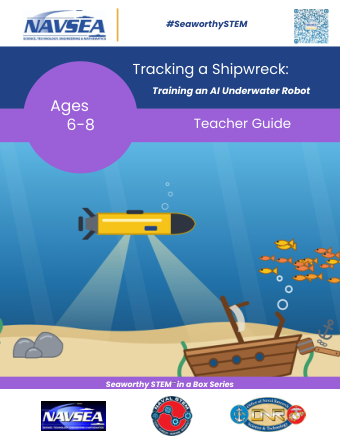
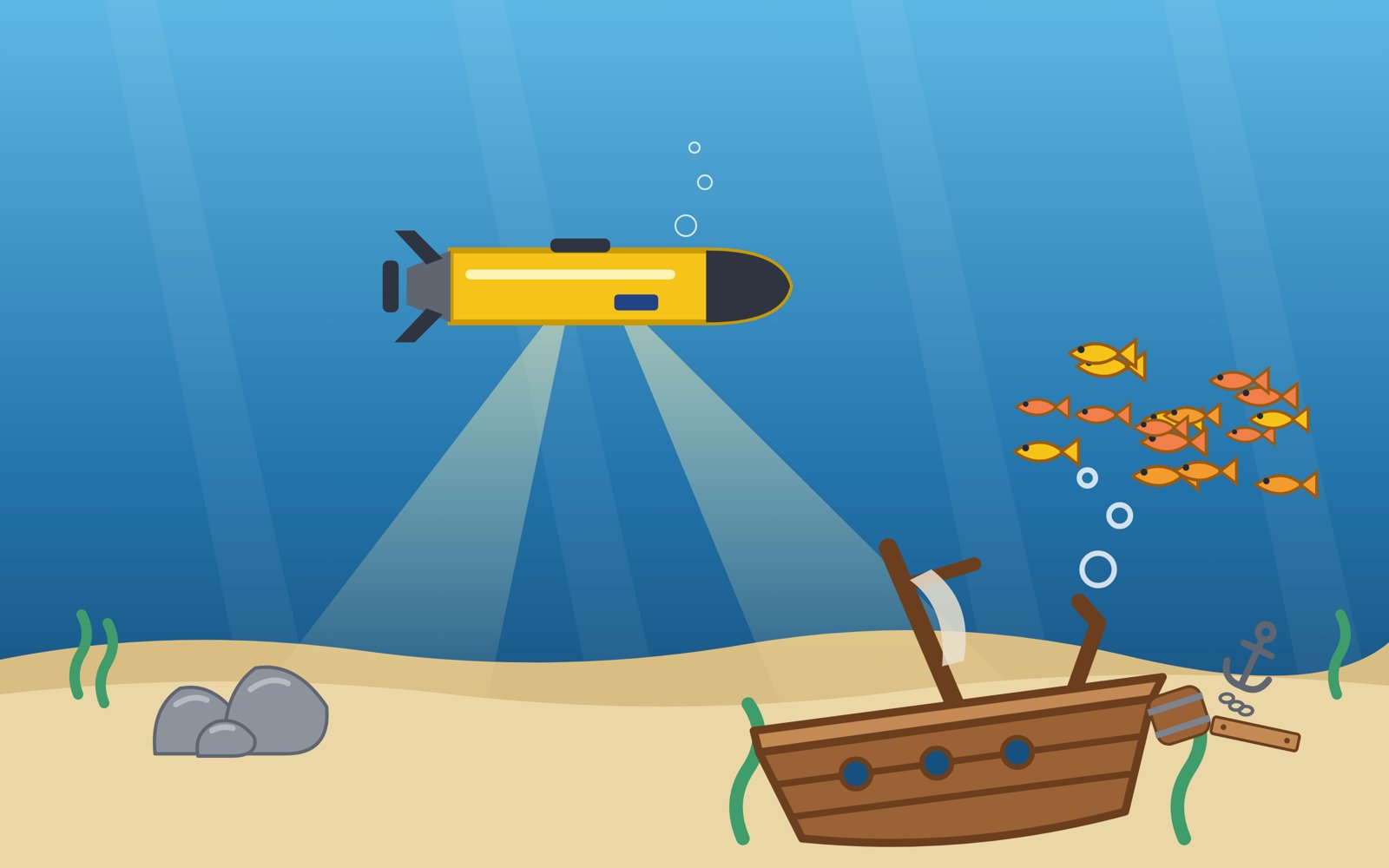
Illustration: a yellow underwater robot sends sonar beams toward a sunken wooden ship on the sandy seafloor.

Start here: three steps

  1. 1
    Read the Teacher Guide. Pages 5–10 have the plan, a minute-by-minute table and a script.
  2. 2
    Print one Game Kit per team. Color, cardstock if you can. About 10 minutes with a paper cutter: tiles just cut and fold, no glue. Reuse it every year.
  3. 3
    Print one workbook per team (the Recorder writes in it), plus page 4 for each student, and open the classroom slides. Then play!

Free materials

Everything is free and open to use. PDFs print as-is; the PowerPoint files can be edited or translated.

Teacher Guide cover

Teacher Guide

19 pages: plan, pacing, teaching steps, AI background, answer key, CSTA 2026 standards and AILit competencies, accommodations.
PDF Editable PPTX

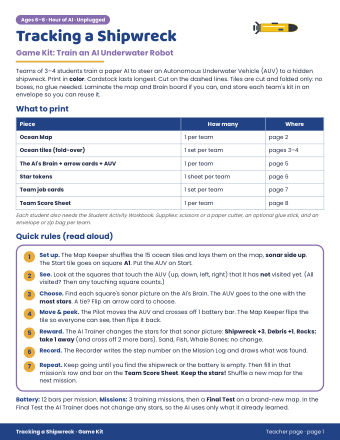
Game Kit first page

Game Kit

8 pages per team: ocean map, 16 fold-over tiles, the AI’s Brain, arrow cards, AUV, stars, job cards, score sheet.
PDF Quick-play card

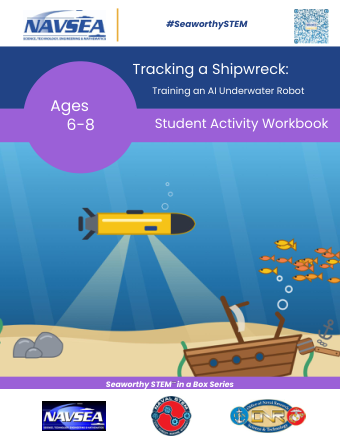
Student workbook cover

Student Activity Workbook

4 pages, one per team: two Mission Log pages for the Recorder, and Design Your Own Ocean AI (print page 4 for each student). Everything else happens on the slides.
PDF Editable PPTX

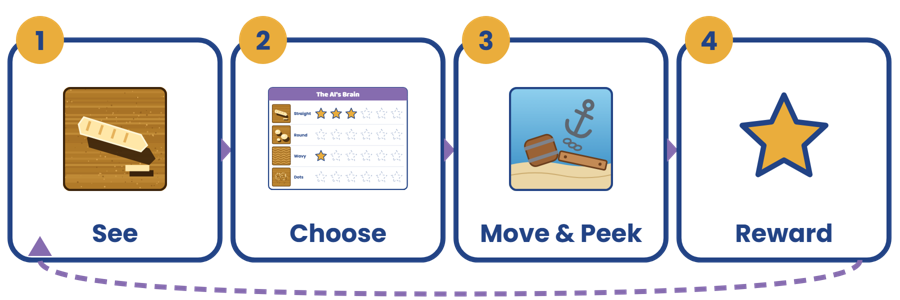
The four steps: See, Choose, Move and Peek, Reward

Classroom slides

36 slides with speaker notes: today’s mission, the mission briefing, sonar, rules, a model turn, the Final Test, discussion and the class results board.
PPTX

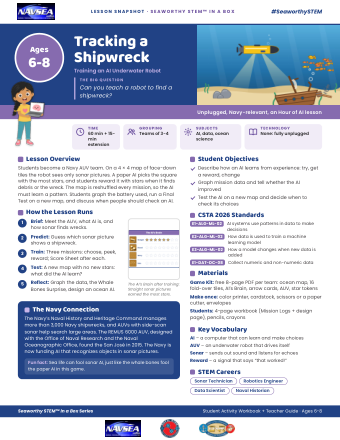
Lesson Snapshot one-pager

Lesson Snapshot

A one-page overview for principals, families and planning.

PDF

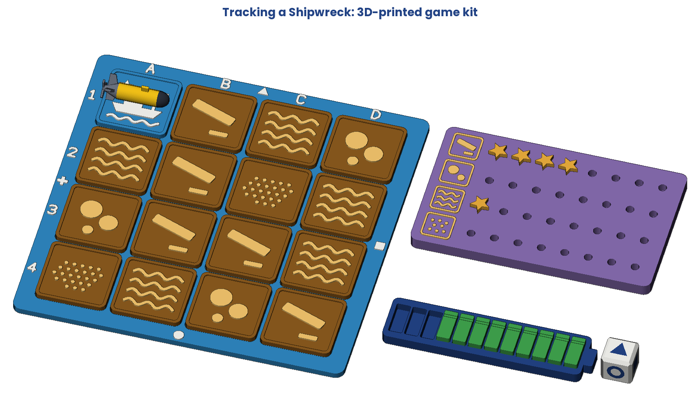
3D-printed game kit: a map tray of flip tiles with a yellow AUV, an AI Brain peg board with gold star pegs, a battery with pull-out cells and a shape die

3D-print kit (optional)

Flip tiles you can read by touch, an AUV game piece, map tray, Brain peg board with star pegs, battery with pull-out cells and a die. Two ready-to-print projects (single color, 7 plates; multi color, 9 plates) plus STLs for other slicers. Plate 1 is a quick fit test.

Print guide (PDF) Quick-play card 3MF + STL files (ZIP, 7 MB)

En español: la guía del maestro, el cuaderno, el kit del juego, las tarjetas de juego rápido, las diapositivas y el resumen de la lección. Descargar todo en español (ZIP, 27 MB)

How to play

The ocean map is 16 squares. Each tile lies sonar side up: the robot can see a sonar picture but not what is really there. The tiles are shuffled every mission, so the AI cannot memorize where the wreck is. It has to learn a pattern.

  1. See. Look at the squares touching the robot that it has not visited.
  2. Choose. Go to the one whose sonar picture has the most stars on the AI’s Brain. A tie? Flip an arrow card.
  3. Move & peek. Move one square, use one battery bar, flip the tile to look, then flip it back.
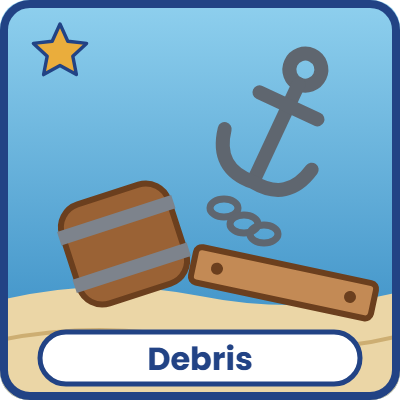
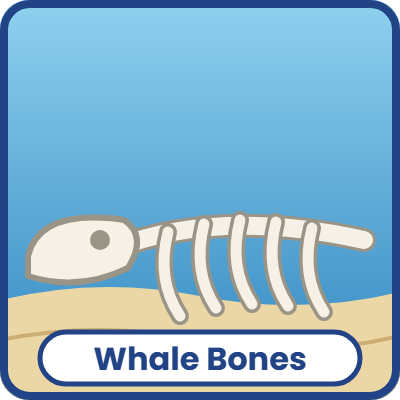
  4. Reward. Shipwreck: 3 stars. Debris: 1 star. Rocks: take a star away. Sand, fish, whale bones: no change.
  5. Record. Write the step on the Mission Log. Keep going until the wreck is found or the 12-bar battery is empty, then fill in that mission’s row and bar on the Team Score Sheet.

After three training missions, the class runs a Final Test on a brand-new map with no new stars. Did the AI really learn?
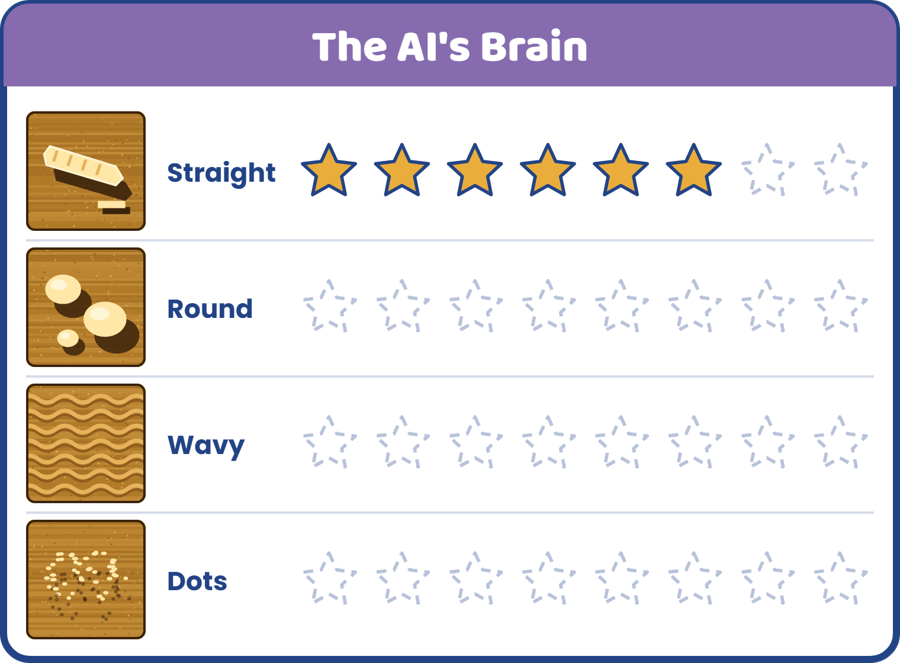
The AI's Brain board after training: the Straight sonar row has six gold stars; Round, Wavy and Dots have none.
A trained AI’s Brain: Straight sonar pictures earned the stars.
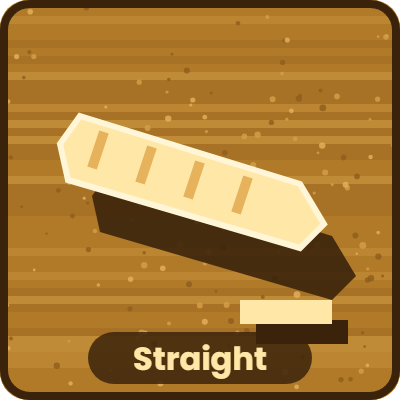
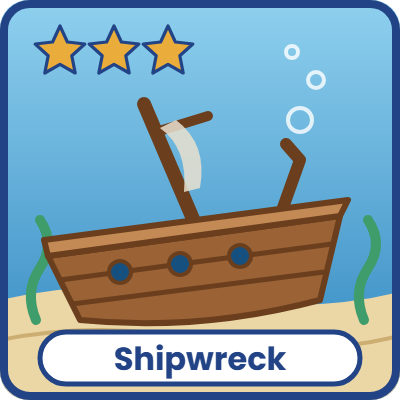
Shipwreck tileits sonar side: Straight+3 stars
Debris tileits sonar side: Straight+1 star
Whale bones tileits sonar side: StraightSurprise!
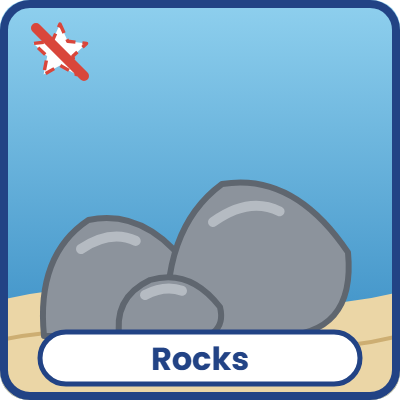
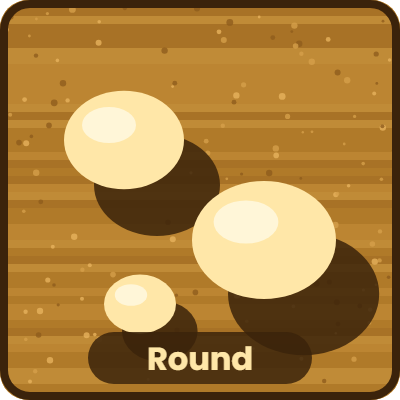
Rocks tileits sonar side: RoundTake 1 away
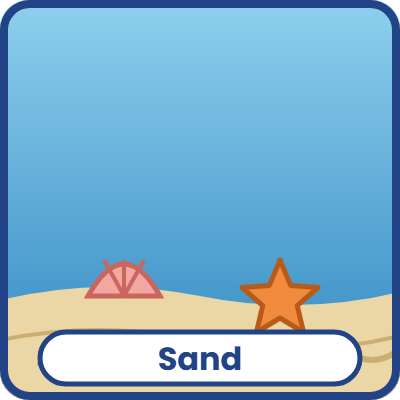
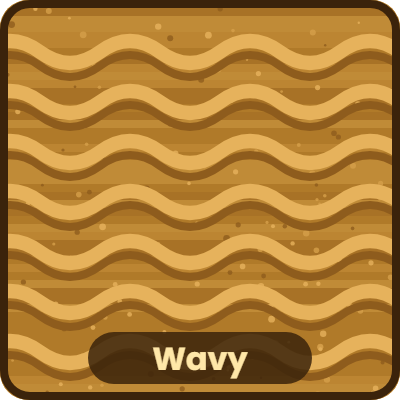
Sand tileits sonar side: WavyNo change
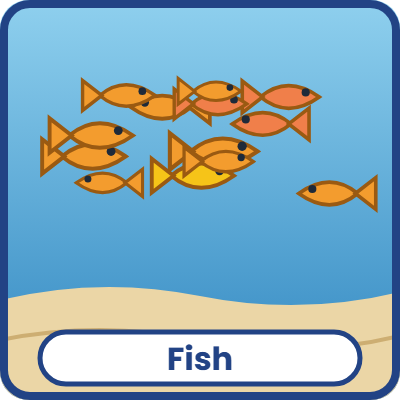
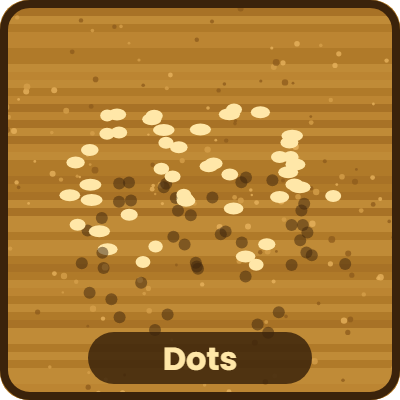
Fish tileits sonar side: DotsNo change

See it set up and played

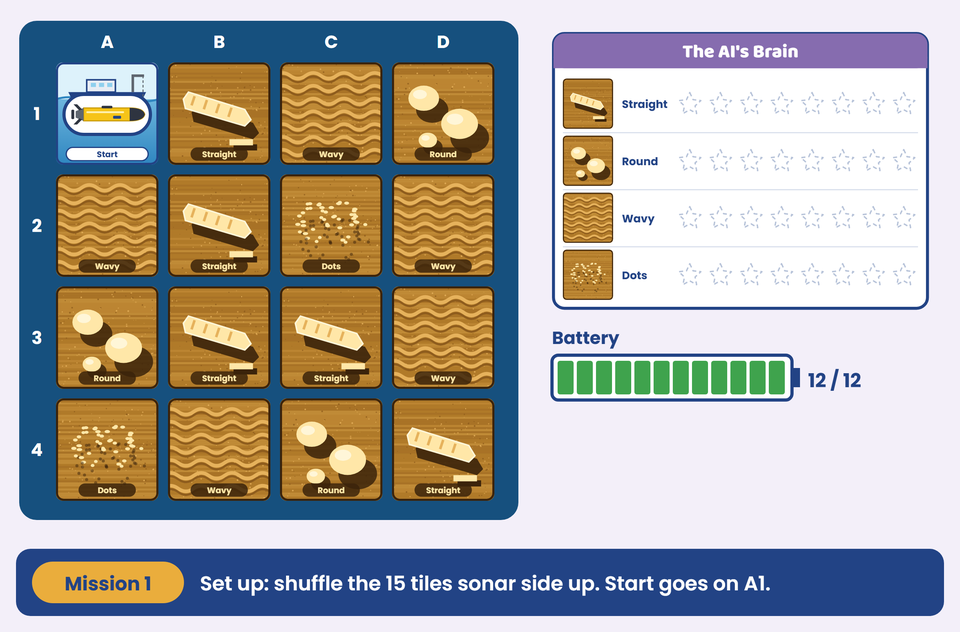
An ocean map set up for a new game: a 4 by 4 grid of brown sonar tiles showing Straight, Round, Wavy and Dots pictures, the Start tile in the top-left corner, an empty AI's Brain and a full 12-bar battery.
Ready to play: 15 shuffled tiles, sonar side up, Start on A1, an empty Brain and a full battery.
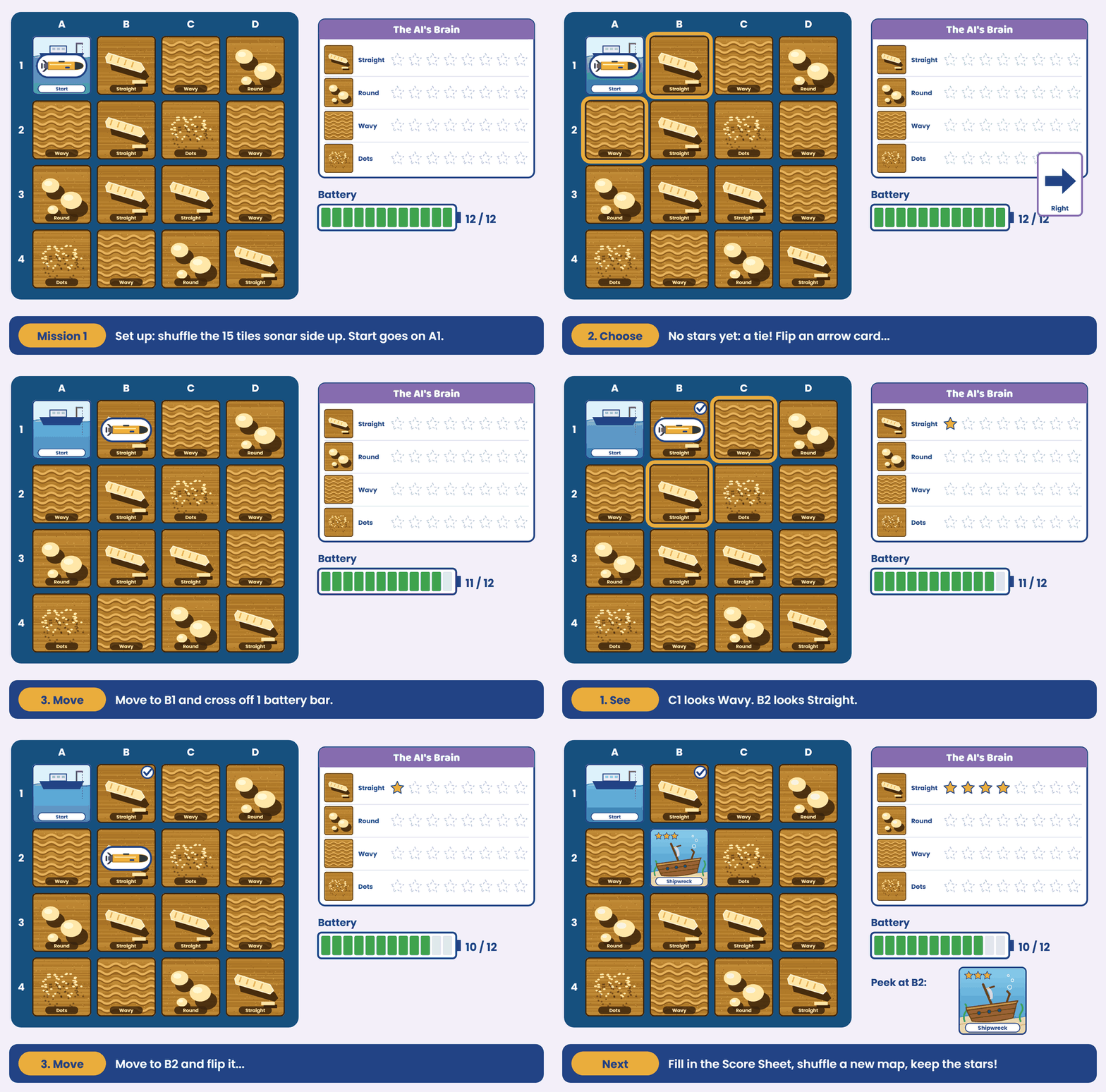
Watch one mission (animation) Animation of one short mission, from set-up to finding the shipwreck in two moves, described step by step below.
  1. See: from Start, B1 looks Straight and A2 looks Wavy.
  2. Choose: no stars yet, so it is a tie. An arrow card says Right: the AI picks B1.
  3. Move & peek: the AUV moves to B1 (11 bars left). Flip it: Debris!
  4. Reward: +1 star on the Straight row.
  5. See and choose again: C1 looks Wavy, B2 looks Straight. Straight has a star, so the AI picks B2.
  6. Move & peek: Shipwreck! +3 stars. Found with 2 battery bars. Fill in the Score Sheet, shuffle, keep the stars.

What students learn about AI

AI learns from experience

The paper AI tries, gets a reward, and repeats what worked. That is reinforcement learning, the same idea behind game-playing and robot AI.

People shape AI

Students choose the rewards. What if we gave stars for rocks by mistake? The AI would learn the wrong thing.

Check the AI’s work

Whale bones look like a shipwreck on sonar, so the AI is fooled. Students decide when people should check an AI’s choices.

2026 CSTA PK–12 Computer Science Standards: E1-ALG-ML-02, E2-ALG-ML-02, E3-ALG-ML-02, E1-DAT-DC-08, E1-SOC-HU-15, E3-SOC-CE-19 · AI literacy (AILit): Engage with AI 2 and 3, Shape AI 1 and 3

The U.S. Navy’s Naval History and Heritage Command cares for more than 3,000 Navy shipwrecks around the world, and autonomous underwater vehicles (AUVs) with side-scan sonar help search large areas of seafloor. In 2015 a REMUS 6000 AUV, designed with the Office of Naval Research and the Naval Oceanographic Office, helped find the San José, a ship lost in 1708. Today the Navy is funding AI that recognizes objects in sonar pictures.

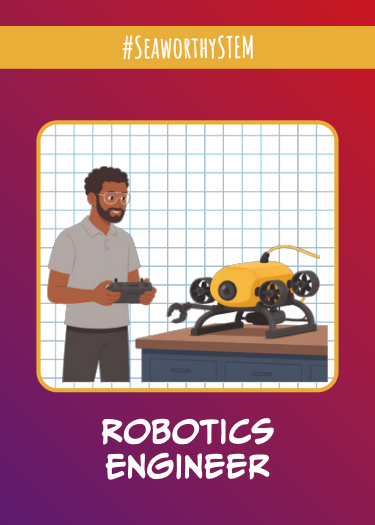
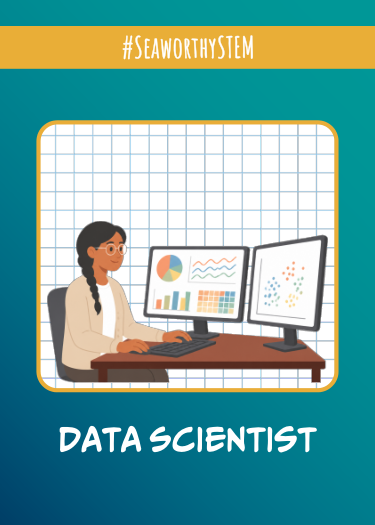
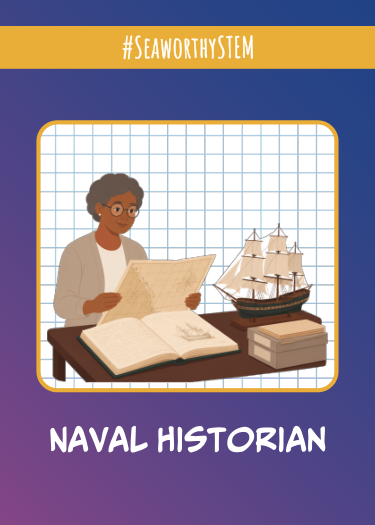
Careers in this lesson: Sonar Technician, Robotics Engineer, Data Scientist and Naval Historian.
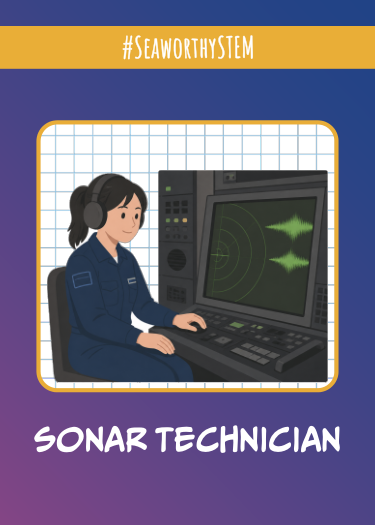
Seaworthy Futures career card: Sonar Technician Seaworthy Futures career card: Robotics Engineer Seaworthy Futures career card: Data Scientist Seaworthy Futures career card: Naval Historian

For teachers

At a glance

Ages
6–8 (about grades 1–3). Ideas for ages 5 and under, 9–12 and 13–18 are in the Teacher Guide.
Time
60 minutes (one Hour of AI), plus an optional 15-minute design extension.
Expertise
None. No computer science or AI background needed: if you can run a board game, you can teach this.
Subjects
Computer science, math (bar graphs), science (ocean, sound), social studies (Navy history, careers).
Language
English. Editable PowerPoint files make translation easy.

Technology and access

  • Students need no device, account, app or internet. Nothing to install.
  • Teachers need internet once to download the files, a PDF reader and a color printer. The slides open in PowerPoint, Keynote or Google Slides.
  • This page is plain HTML with no logins, ads or cookies, so it works inside school firewalls on any modern browser (Chrome, Edge, Firefox, Safari) on computers, tablets and Chromebooks.
  • No personal information is collected from anyone (COPPA). The page is built to WCAG 2.1 AA: text alternatives, keyboard navigation and high-contrast colors.

Accommodations

  • Every tile has a picture and a word, and sonar pictures differ by shape, not only by color.
  • Picture job cards give every child a role; pair readers with pre-readers; read the rules aloud.
  • Fine-motor needs: pre-cut the kit and use large counters as stars.
  • Low vision: print the kit at 11×17; add textures (sandpaper rocks, yarn on Straight tiles) for a tactile version.
  • English learners: picture vocabulary, sentence frames, answers by drawing.

Extend the learning

  • Design Your Own Ocean AI (workbook page 4) is the student artifact.
  • Play again with a smaller battery or more rocks. Does the AI still learn?
  • Change the rewards and predict what the AI will learn.
  • Explore real sonar with NOAA Ocean Exploration and more activities at hourofai.org.

Need help?

Questions, problems with a file, or ideas for the lesson? Email shanejwines@gmail.com.